Introduction to Build Tools
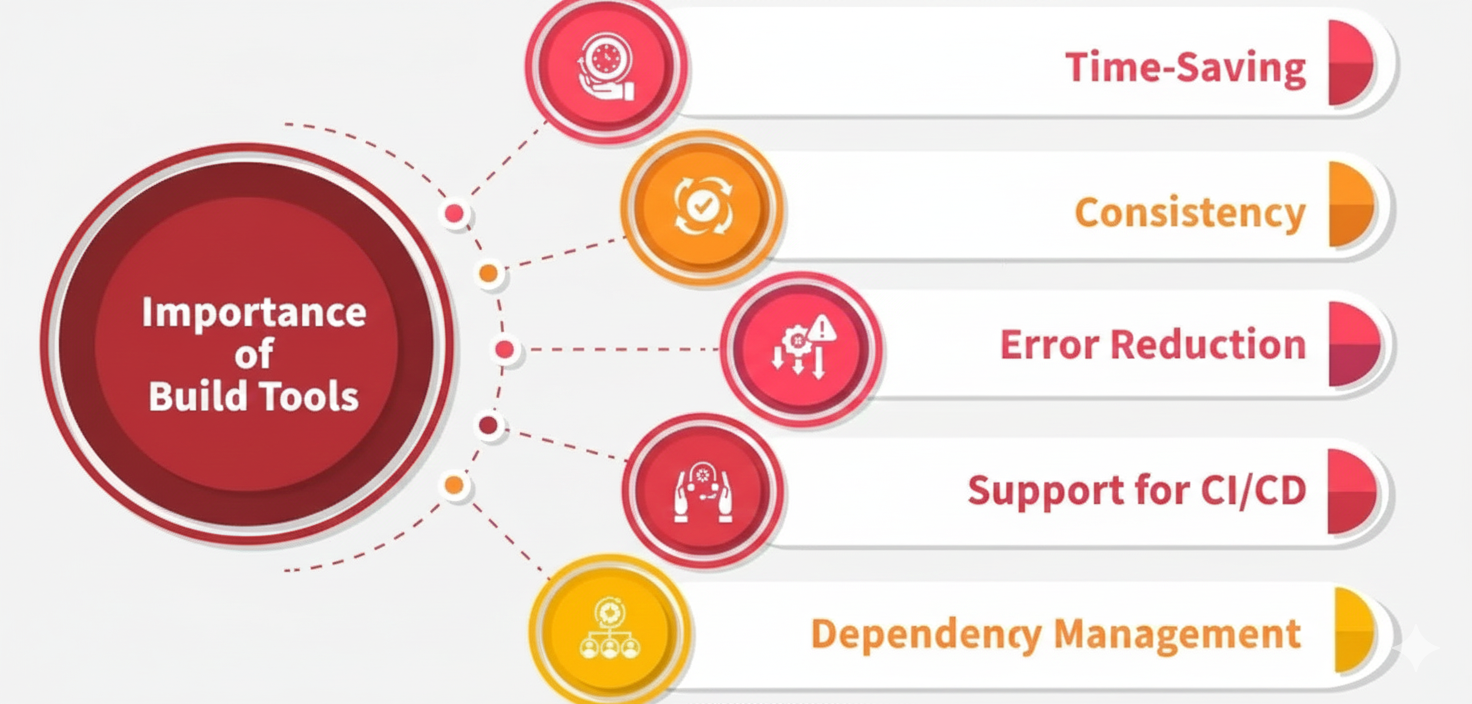
Build tools are essential programs that turn source code into executable applications.
In modern software development, writing code isn't enough. The code must be tested, optimized, and packaged before it can run.
Build tools automate this process, making software delivery faster, more reliable, and consistent.
What Does a Build Tool Do?
A build tool manages the steps needed to turn source code into a deployable application. These steps usually include:
Dependency Resolution
Downloading required libraries.
Compilation
Converting source code into machine-readable code.
Testing
Running tests to check code quality.
Packaging
Bundling everything into a deployable format.
Publishing
Uploading the final product to a repository.
Types of Build Tools
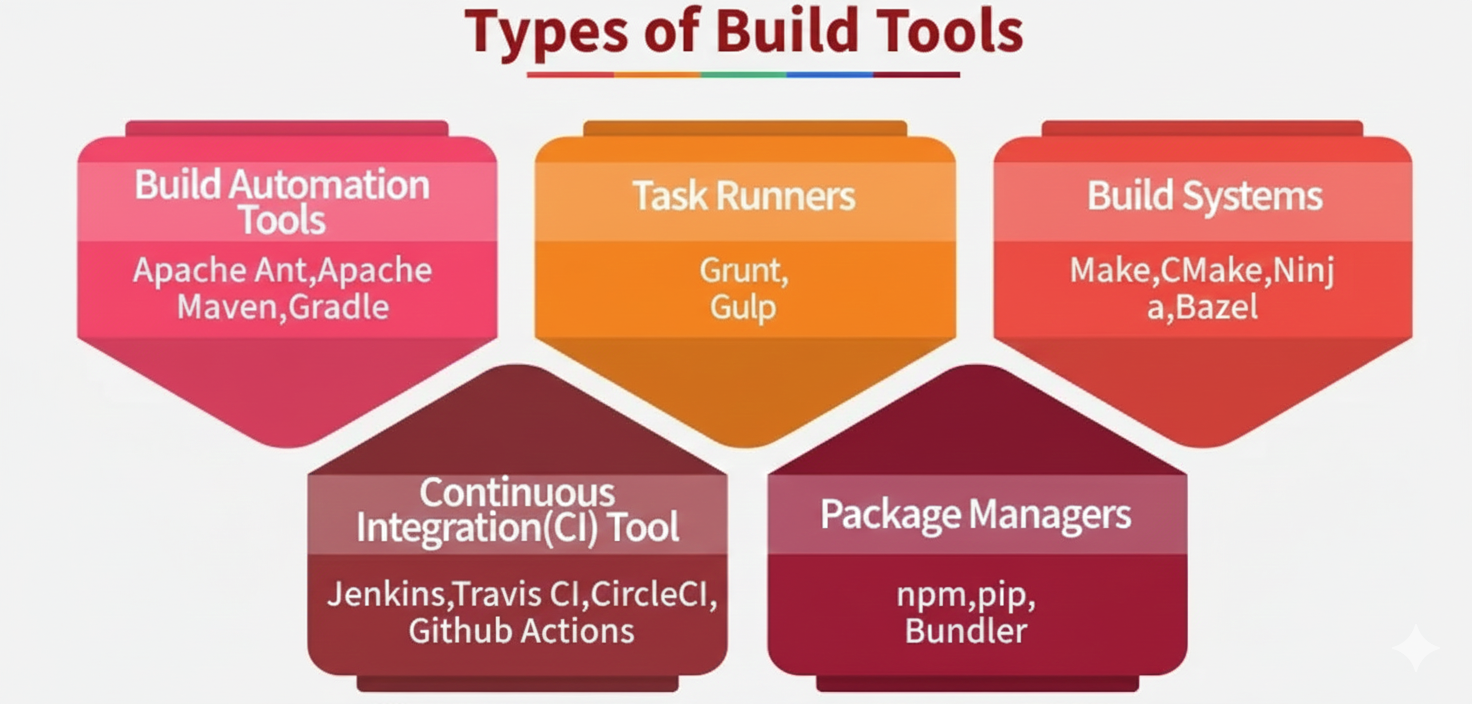
Major Types of Build Tools
1. Build Automation Tools
These tools turn source code into executable programs automatically.
- Ant: Flexible but uses detailed XML files.
- Maven: Uses a standard project structure and manages dependencies.
- Gradle: Fast and flexible, using Groovy or Kotlin for configuration.
2. Task Runners
Common in front-end development to automate repetitive tasks.
- Grunt: Uses a configuration file to define tasks.
- Gulp: Faster than Grunt by processing files in streams.
3. Build Systems
Used for large projects where speed and scalability matter.
- Make: One of the earliest build tools.
- CMake: Creates build files for different platforms.
- Ninja: Focuses on very fast builds.
- Bazel: Supports large, multi-language projects.
4. Continuous Integration (CI) Tools
Automatically build, test, and deploy code changes.
- Jenkins: Popular open-source automation server.
- Travis CI, CircleCI, GitHub Actions: Cloud-based CI tools.
5. Package Managers
Manage project dependencies and sometimes build tasks.
- npm: For JavaScript projects.
- pip: For Python projects.
- Bundler: For Ruby projects.
Anatomy of a Build: Dependency Graph
A build tool figures out what to build by creating a dependency graph.
If one module depends on another, the tool builds them in the correct order. This allows it to:
- Run tasks in parallel: Build independent parts at the same time.
- Use incremental builds: Rebuild only what changed, saving time.
Top Build Tools by Ecosystem
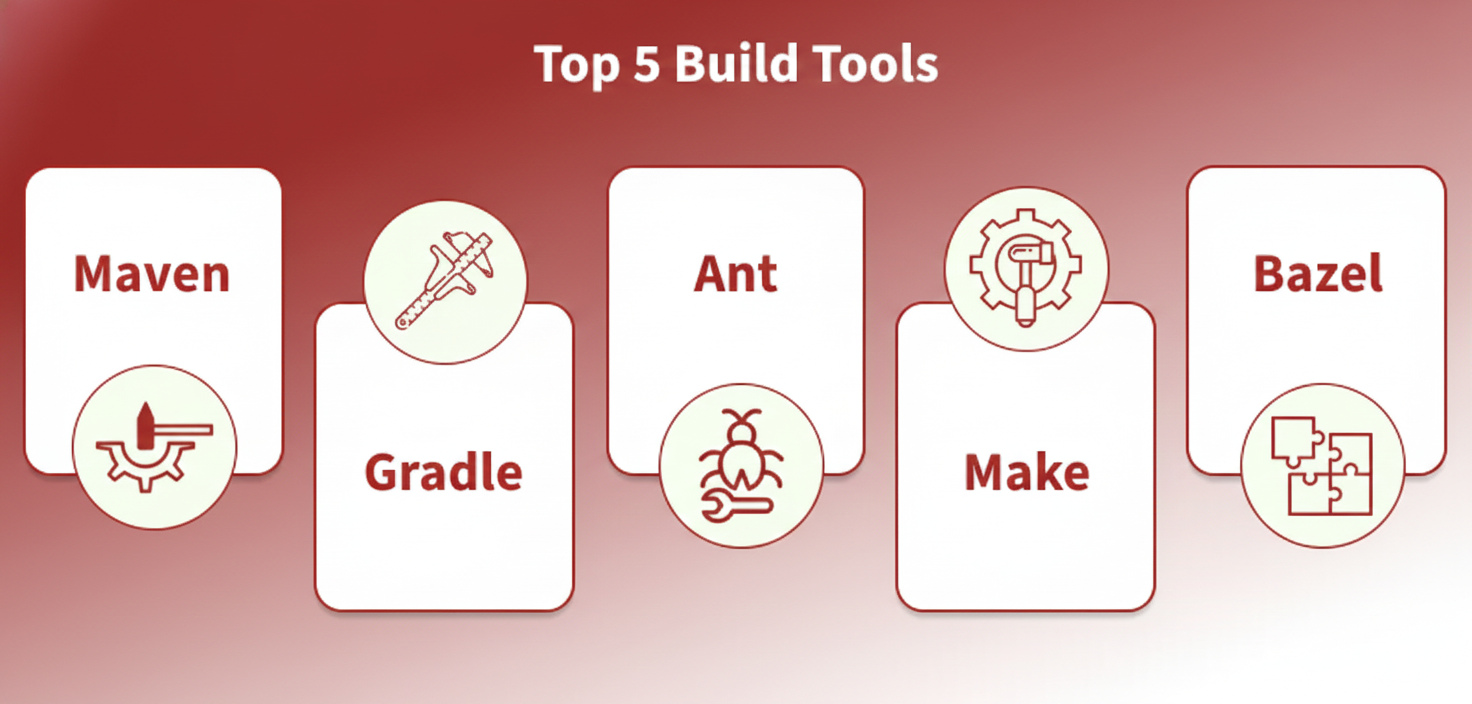
Different programming languages use different build tools:
1. Java (JVM)
Maven:
Uses a standard project structure and XML configuration.
- Pros: Stable and widely used.
- Cons: Less flexible and verbose.
Gradle:
Uses Groovy or Kotlin scripts for configuration.
- Pros: Fast, flexible, and used for Android.
- Cons: Harder to learn.
2. JavaScript / Node.js
npm:
Manages packages and runs tasks using package.json.
Webpack / Vite:
Bundle JavaScript, CSS, and images into optimized files for the browser.
3. C / C++
Make:
Uses Makefiles to define build rules.
- Pros: Widely available.
- Cons: Hard to manage large projects.
CMake:
Generates build files and is the modern standard for C++.
4. Multi-language (Monorepos)
Bazel:
Handles large projects with many languages.
- Pros: Fast, reliable, and highly scalable.